Crafting Immersive Sound for Screen Projects in the Modern Era
Working in audio post-production for screen projects has changed dramatically over the past decade. When I started out, a typical day meant sitting in a dimly lit room with a Pro Tools rig, a few outboard compressors, and a stack of DAT tapes. The workflow was linear, the tools were expensive, and the expectations were lower. Audiences were more forgiving of a slightly hollow mix or a background hum that slipped through. That world is gone. Today, every creak of a floorboard, every whisper in a voiceover, and every subtle shift in ambient texture gets scrutinized, because the platforms delivering the content demand it, and because viewers have grown accustomed to the kind of fidelity that used to be reserved for theatrical releases.
What has not changed is the fundamental goal: to serve the story. Whether you are mixing a thirty-second commercial for a streaming platform, designing alien soundscapes for a sci-fi trailer, or laying down Foley for an independent documentary, the craft is about emotional clarity. The technology is just a means to that end. But the technology itself has multiplied, and knowing how to choose the right tools for the job is now part of the skill set. This is especially true when you are juggling sound for screen projects that span different formats, budgets, and delivery specs.
Why the Toolbox Matters More Than Ever
There was a time when a decent condenser microphone and a copy of Pro Tools could carry you through most jobs. That is still a solid foundation, but the ecosystem has grown. Avid has continued refining Pro Tools, keeping it as the central hub for most post-production workflows, especially in larger facilities. But I have also seen editors and sound designers lean on Adobe Audition for quick dialogue cleanup, or for projects where the budget does not justify a full Pro Tools license. Audition is remarkably capable for noise reduction and spectral editing, and its integration with other Adobe apps can save time on smaller jobs. The trick is knowing when to use it and when to stick with the deeper editing capabilities of Pro Tools.
Mixing for immersive formats like Dolby Atmos adds another layer. A stereo mix is still the standard for broadcast and many streaming platforms, but Atmos is becoming common for Netflix, Apple TV+, and Warner Bros. theatrical releases. Working in Atmos means thinking in three dimensions. You are placing sounds above, behind, and around the listener, and that changes how you approach reverb, panning, and even the way you record Foley. A Foley artist on an Atmos project might need to capture footsteps from multiple angles, because the sound of someone walking on gravel in a surround field has a different spatial signature than it does in stereo. It is a demanding shift, but the results can be stunning when done well.
Finding and Creating the Right Sounds
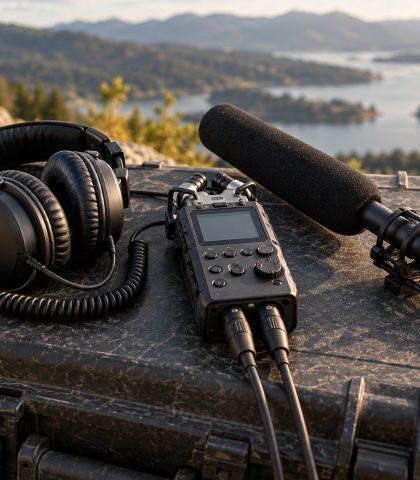
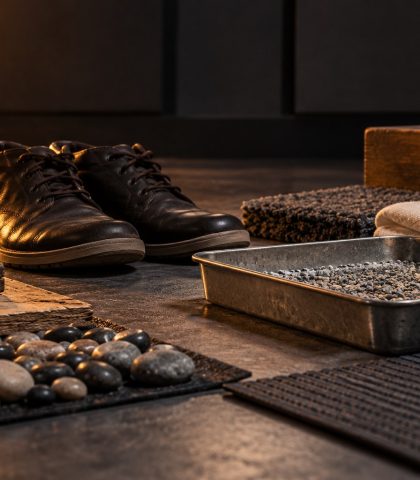
Every sound for screen projects starts somewhere, and the source material often determines how much work the mixer or designer has to do downstream. For sound effects, the options are vast. Subscription libraries like Soundly, Artlist, and Epidemic Sound offer curated, high-quality samples that are cleared for use in commercial work. Soundly, in particular, has become a go-to for many editors because of its tagging system and integration with Pro Tools. But no library can cover every need. There are moments when you need a specific car door, a particular footstep on a unique surface, or a completely abstract texture. That is where Foley comes in. Recording custom Foley is time-consuming, but the authenticity it brings is unmatched. I have spent afternoons in a studio with a Foley pit, recording everything from cloth movements to breaking celery for bone snaps, and the result always sounds more alive than anything pulled from a library.
Voiceover and ADR are another critical piece. If the dialogue was recorded on location with a lavalier mic, there is often background noise, clothing rustle, or room tone that needs to be addressed. Plugins from iZotope RX have become the standard for this kind of repair. RX can remove clicks, hums, and even reverb in ways that were unimaginable fifteen years ago. But repair is not a substitute for a good recording. A well-captured performance in a treated room, using a quality microphone like a Neumann U 87 or a Sennheiser MKH 416, will always sound better than a cleaned-up location track. That is why many productions, even lower-budget ones, are investing in proper ADR sessions. The cost is worth it when the final mix needs to hold up on a high-end sound system.
Monitoring and the Listening Environment
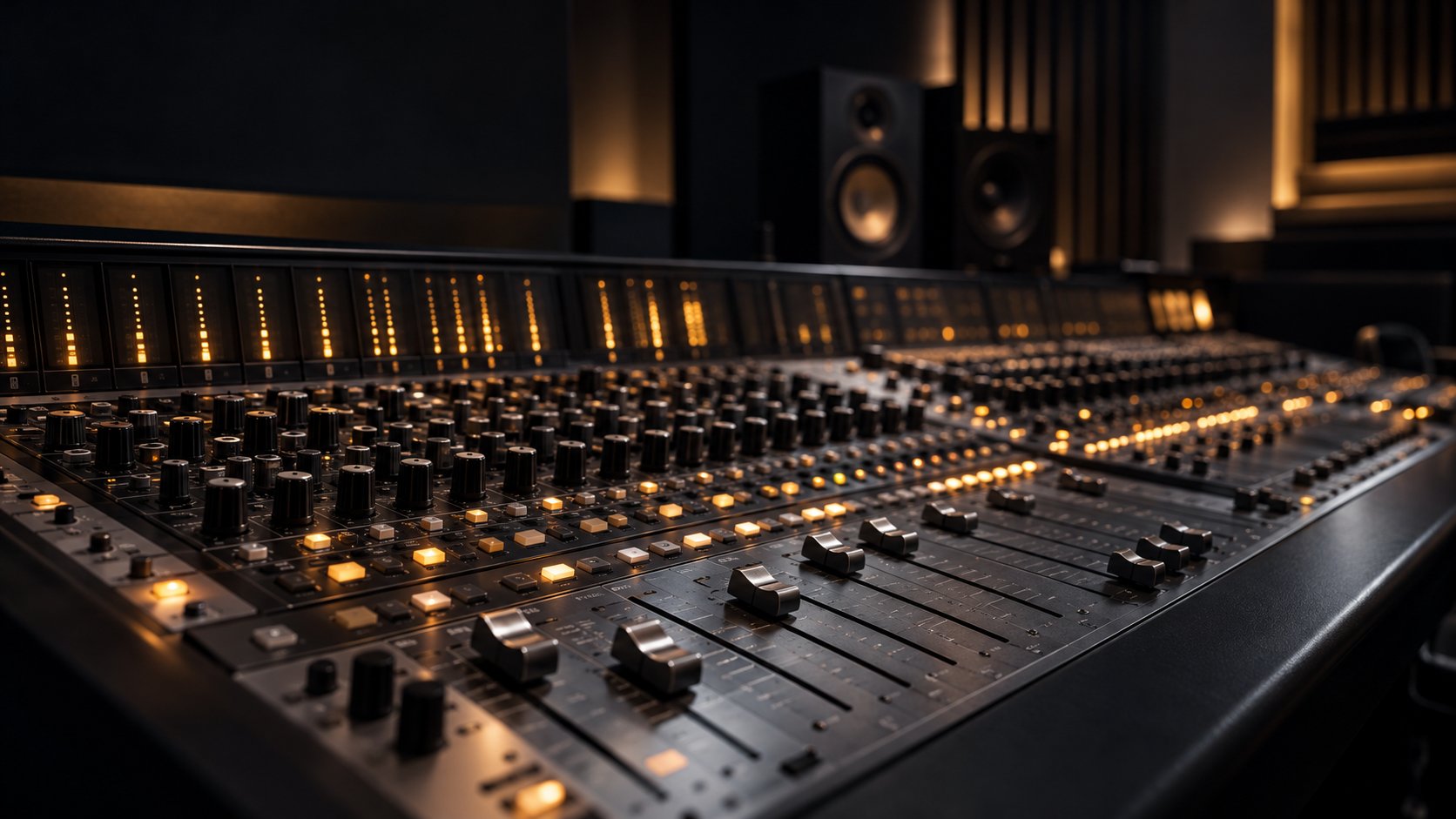
One of the most overlooked aspects of creating professional sound for screen projects is the monitoring chain. You can have the best plugins and the most pristine source material, but if you cannot hear what is actually happening in your mix, you are guessing. I have worked in rooms with Yamaha NS-10s, which are brutally honest, and in rooms with high-end monitors from companies like Universal Audio and Genelec. Each has its purpose. The important thing is to know your speakers and to check your mixes on multiple systems, including headphones and consumer-grade earbuds. A mix that sounds perfect on studio monitors might be muddy on a phone speaker or overly bright on laptop speakers. Checking your work on a pair of Sennheiser HD 600 headphones or similar can reveal problems that your main monitors might hide.
Headphone mixing has become more common, especially for remote work. It is not ideal, but it is possible to achieve good results if you use a headphone correction plugin and regularly reference your mix on other systems. The key is to be honest with yourself about the limitations. No headphone can replicate the feeling of sound moving through a room. But for dialogue editing, sound design, and even some mixing tasks, a good set of headphones and a quiet environment can get you most of the way there.
Delivering to Multiple Platforms
Delivering audio for screen projects today often means preparing multiple versions. A film might have a theatrical Dolby Atmos mix, a 5.1 surround version for Blu-ray or streaming, and a stereo downmix for broadcast. Each platform has its own loudness specifications, dynamic range requirements, and file format preferences. Netflix, for example, has strict guidelines for dialogue level and overall loudness, measured in LUFS. Apple TV+ and Disney+ have their own specs. Missing these targets can result in a rejection or a rushed fix that compromises the mix. I have learned to set up my Pro Tools session with these delivery specs in mind from the start, using metering plugins to monitor loudness in real time. It saves a lot of headache on the back end.
For smaller projects, platforms like SoundCloud and YouTube Audio Library are common sources for music and sound effects, but their licensing terms vary. If you are working on a commercial project, you need to be careful about using anything that is not cleared for sync. Epidemic Sound and Artlist are safer bets because they offer blanket licenses for commercial use. But even then, you should read the fine print. Some libraries restrict how many times a track can be used or limit usage to specific types of media.
Collaboration and Workflow
Collaboration is another area where the landscape has shifted. I have worked with studios like Skywalker Sound on projects where the sheer scale of the facility and the talent is humbling. In those environments, the workflow is highly structured, with separate teams for dialogue, sound effects, Foley, and mixing. The communication between those teams is critical. A Foley artist needs to know what the sound designer is doing, and the mixer needs to know what the composer is writing. When everyone is in the same building, that communication happens naturally. But more often now, I find myself collaborating remotely, sending Pro Tools sessions back and forth, or using cloud-based tools to share stems. That requires a different kind of discipline. Naming conventions, track organization, and session notes become vital. A poorly organized session can cost hours of time and introduce errors that are hard to catch.
The rise of remote collaboration has also made tools like Soundly more useful, because you can quickly audition and download sounds without digging through a physical library. But it has also made it easier to fall into the trap of using generic sounds that do not fit the project. The best sound for screen projects still comes from a combination of good source material, careful editing, and creative choices that serve the story. No tool can replace the judgment of an experienced ear.
Final Thoughts
Audio post-production is a craft that rewards patience, curiosity, and a willingness to experiment. The tools will keep evolving, and the delivery formats will keep multiplying. But the fundamentals of good storytelling through sound remain the same. Whether you are working in a world-class facility with a Dolby Atmos rig or editing on a laptop with a pair of headphones, the goal is to make the audience feel something. That is what makes this work worth doing.